Accessing your electricity meter readings is a simple process that can be done in several ways, depending on the type of meter you have installed and the services offered by your electricity company. Below, we explain in detail how you can do it:
If you have a digital meter, these devices are generally equipped with a display that shows various readings of your electricity consumption. To access this information, look for the button located on the meter. When pressed, the display will show different data, including the current consumption in kilowatt hours (kWh). If the meter is one of the more modern ones, it may also display information on daily and monthly consumption, and other relevant data. Digital meters are usually very intuitive, and reading the data should not be too difficult.
In the case of analog meters, these devices have a series of dials that measure electricity consumption. To read an analog meter, you must write down the numbers on the dials, from left to right, ignoring any figures in red or behind a comma. Each dial represents a figure for your total kWh consumption. Although this process can be a little more laborious than with a digital meter, it is still fairly straightforward once you become familiar with the dials.
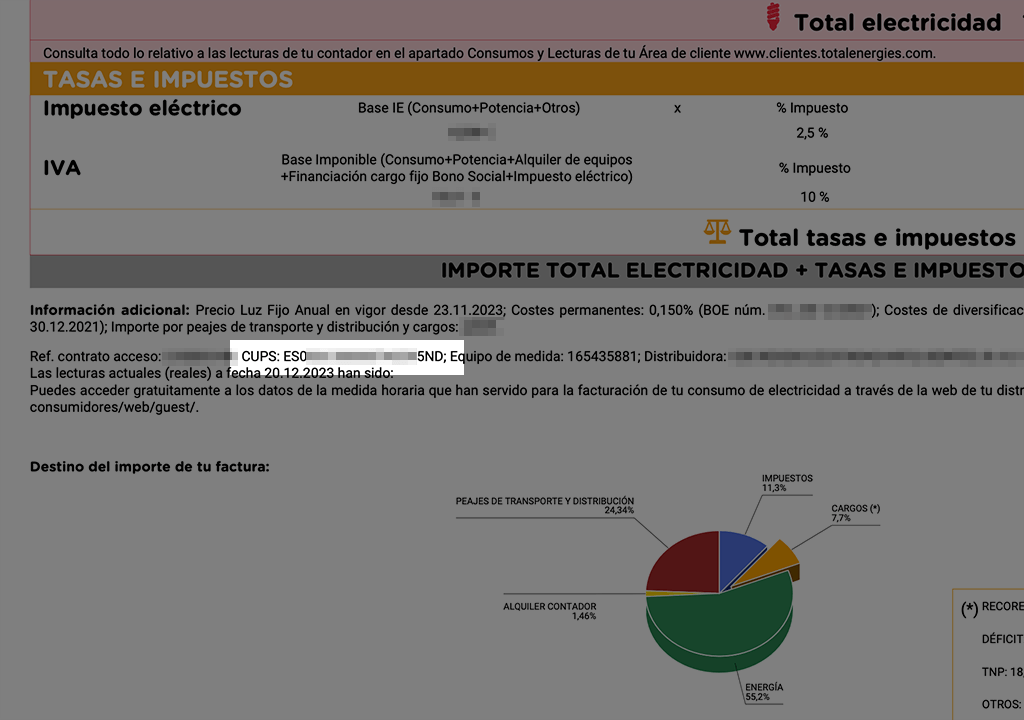
Another option for accessing your meter readings is through your electric company’s web portal. Most electricity companies offer customer areas on their websites where you can access your consumption history and meter readings. To do this, you will need to create an account or log in with your credentials. Once inside, you will be able to view recent readings, consumption graphs and specific details of your electricity supply. This tool is very useful for keeping a detailed and regular control of your consumption.
You can also use the mobile applications that some electricity companies make available to their customers. These apps allow you to access meter readings, receive alerts about your consumption and manage other aspects of your electricity supply from your smartphone. If you prefer a more practical and real-time management, mobile applications can be an excellent option.
Finally, if you prefer a more traditional reading or need assistance, you can always contact your utility’s customer service department. They can provide you with the most recent readings and help you understand the data recorded by your meter. This option is especially useful if you have technical difficulties or prefer a personalized explanation of your electricity consumption.